Menu — menu.html
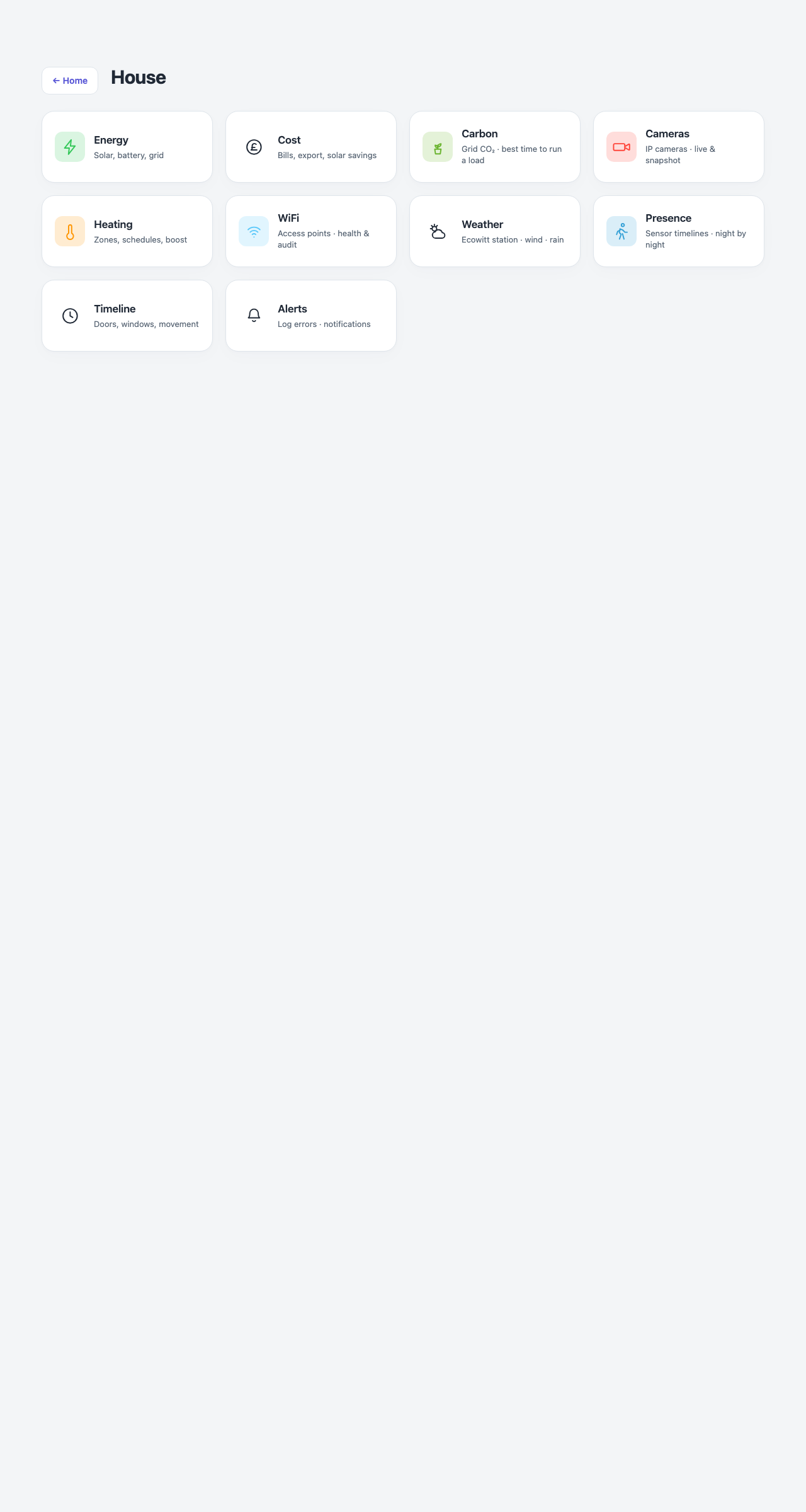
Every page on one list, grouped by the question you came with, reached from the hub’s Menu card. Rooms have their own list, from the hub’s Rooms card. No API key and no device poll: every tile is a plain link, which is deliberate, because this page costs one small request whether you are at home or on 5G.
menu.html             the menu
menu.html?g=rooms     the rooms
The old ?g=house and ?g=tools addresses open the menu.
Down the page
Right now. Active, Scenes, Heating, Cameras and Weather.
Energy. Energy and Cost. Laundry and Carbon are no longer tiles: they are the When to run it card on the Energy page. Both tiles need SigenEnergyManager, and without it this whole section is left out.
What happened. Timeline: a day replayed, presence night by night, a chart of anything recorded, and the house diary.
Is anything wrong? System, Alerts, Wi-Fi and Mains.
Setup. Settings, then any custom links from Settings.
Rooms (?g=rooms). Built from rooms.json rather than a fixed list, so a room added in Settings appears without touching any HTML. Each tile names its lights, motion and windows.
Where the numbers come from
The sections are a fixed table in the page. Rooms come from rooms.json, the same file every other room-aware page reads.
Refresh
Never. This page has no live data — it is pure navigation.
What you can do here
Tap any tile to open that page or room. Nothing else.
Worth knowing
- This is the only page that lists every page and every room.
- A room icon comes from matching the room’s name against a small set of patterns (bed, kitchen, bathroom, garage, and so on). An unmatched name gets a plain house icon rather than an empty square.